
AI customer support that actually knows your product
Helptal's AI is customer support automation grounded in your own help articles. It answers the easy questions across chat, email and your website — in your tone, from your own knowledge base. You decide whether it replies on its own or just drafts a message for an agent to approve. Either way, your team spends less time on the boring stuff.

The work the AI takes off your team's plate
AI is most useful when it removes the boring parts — sorting messages, looking up the same answers, drafting routine replies. Your people stay on the conversations that actually need them.
Replies on email and your website, not just chat
The same AI handles questions on your chat bubble, customer emails, and contact-form messages. Off by default — you turn it on per brand when you're ready.
You decide how chatty it should be
First message only, every customer message, or draft-only — pick the setting per brand. Start cautious, dial it up once you trust it.
Draft mode lets agents review every reply
The AI writes a suggested reply in the message box. Your agent reads it, edits if needed, and hits send. No customer ever gets an AI reply you haven't blessed.
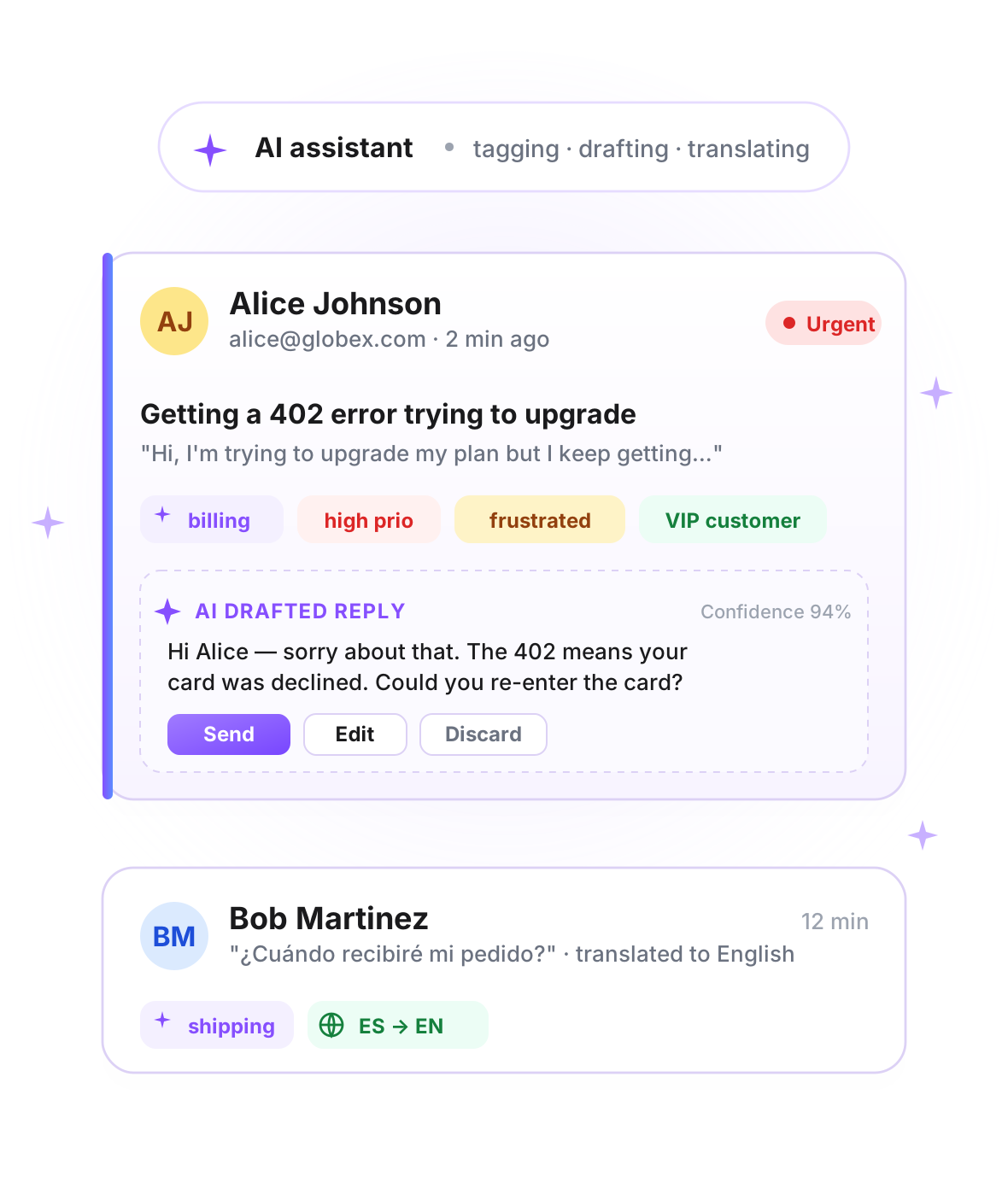
Sorts and labels new emails automatically
Every new email gets a topic tag and an urgency level. Every inbound message — chat, web or email — gets a happy/angry read. Urgent stuff floats to the top of your team's list.
Speaks 100+ languages, both ways
A customer writes in Spanish, your team reads it in English, and your reply goes back in Spanish. No translation tab, no copy-paste.
Predictable monthly cap, no surprise bills
1,000 AI calls per agent per month — a 10-agent shop gets 10,000. Flat per-seat price, not a metered bill that grows when you're busy. No 'you used $400 more than expected' surprises.

Answers from your help articles, not made up
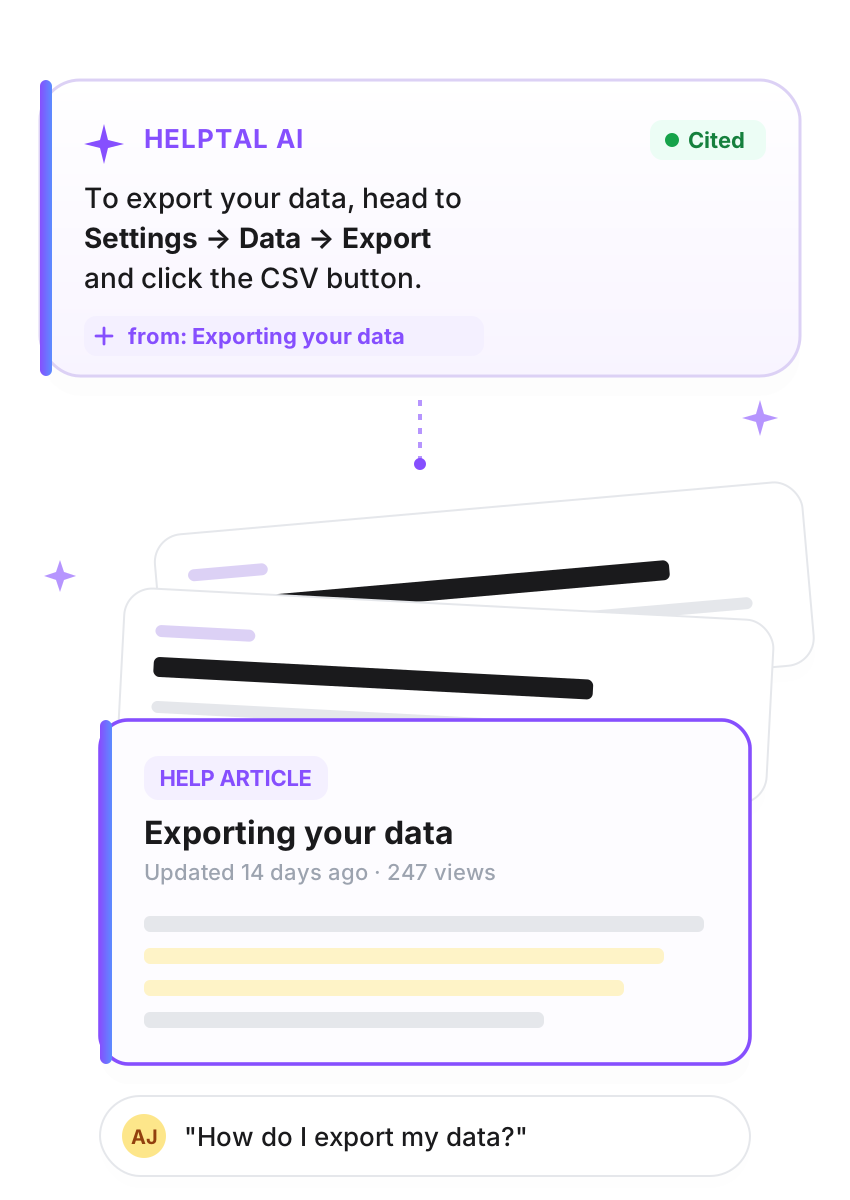
Helptal reads your help articles, past customer conversations, and any internal notes you feed it. When a customer asks something, the AI quotes back what your own team has already written — no invented prices, no fictional features, no rogue promises.
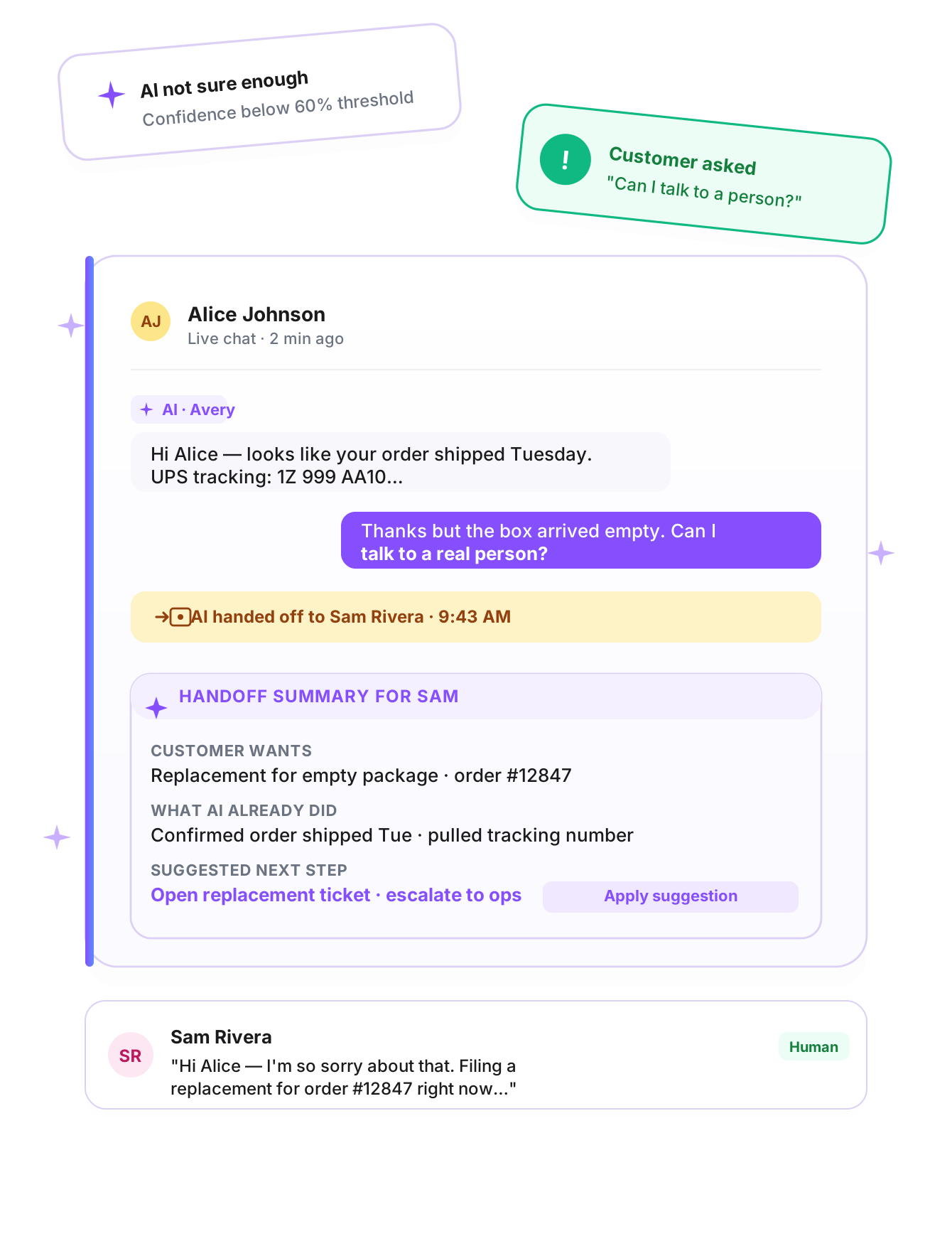
Hands over to a human — gracefully
Some questions need a person. When the AI isn't sure, when the customer asks for one, or when the topic hits a rule you set — the chat passes to your team along with a summary of what's happened, what the AI already tried, and a suggested next step. Your agent picks up mid-conversation, not from a cold start.
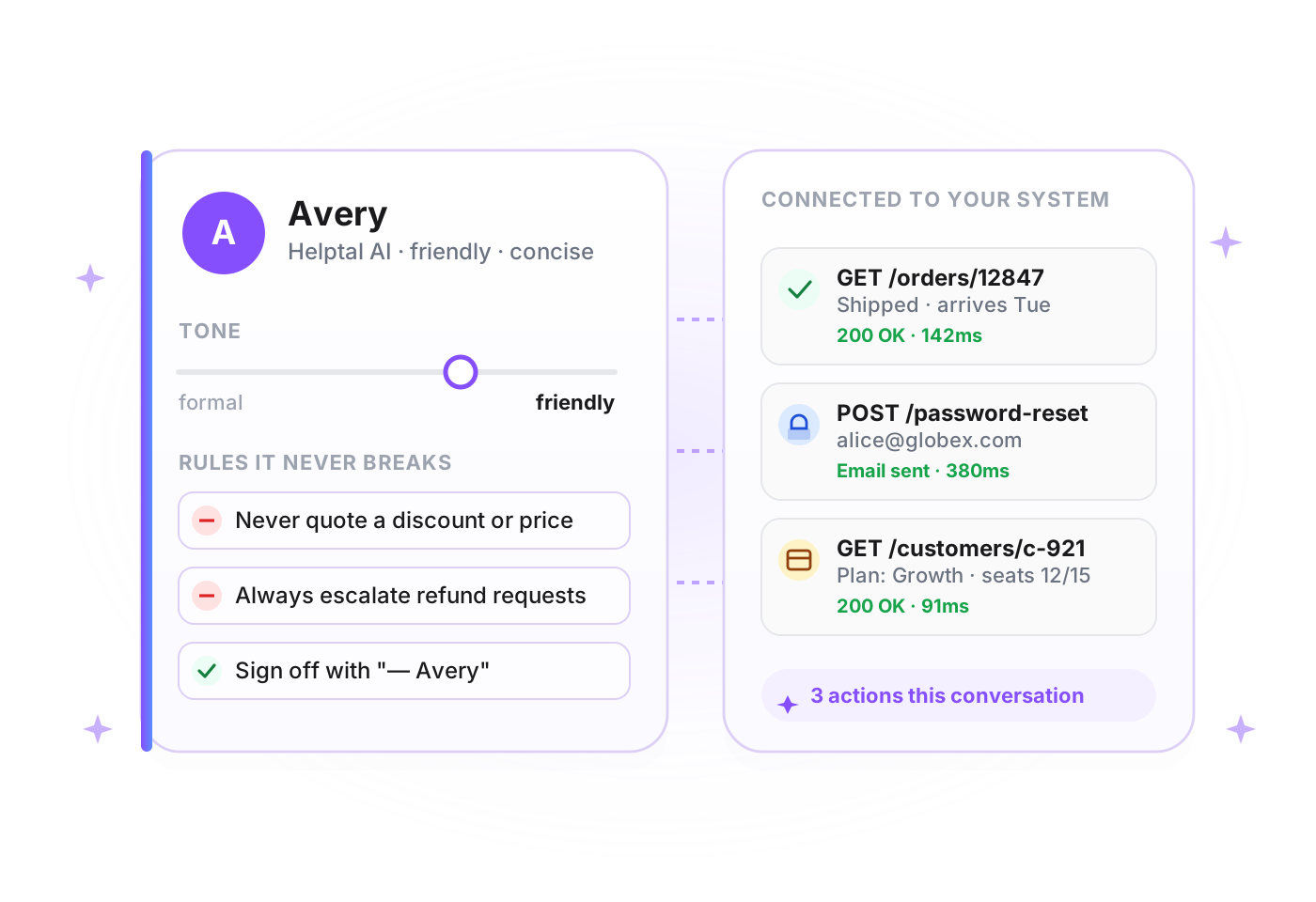
A personality you control — and the ability to do real things
Brief the AI like a new hire — give it a name, a voice, and a few rules it should never break. Then connect it to your own system, so it can look up real order status, check a customer's plan, or trigger a password reset right inside the conversation.
The full list, for anyone digging into the details
Everything Helptal's AI does. Included on the Business plan.
AI that replies to customers
- ·Answers in chat, email and contact-form messages
- ·Replies in your tone of voice, using your help articles
- ·Hands over to a human when it doesn't know
- ·You set how chatty it is per brand
- ·Multi-language — 100+ languages, both directions
AI that helps your team
- ·Drafts a suggested reply in the message box
- ·Tags new email tickets by topic (chat and web forms get a topic from the customer's own pick)
- ·Sets urgency on new email tickets so the busy stuff floats up
- ·Reads customer sentiment on every inbound message (happy, frustrated, angry)
- ·Summarises long email threads in one paragraph
Knowledge sources
- ·Your public help centre articles
- ·Past customer conversations
- ·Internal notes only the AI sees (refund rules, internal pricing)
- ·Uploaded PDFs, Word docs, plain text
- ·See exactly which articles (up to 3) the AI quoted from in every reply
Personality and rules
- ·Give the AI a name and a voice
- ·Set rules it can't break (never quote prices, always escalate refunds)
- ·Different persona per brand if you run several
Doing real things
- ·Look up an order status mid-conversation
- ·Check a customer's plan or account
- ·Trigger a password reset, refund, or webhook
- ·Connects to your own system through a simple integration
Safety, control and cost
- ·Draft mode — agent approves every AI reply before it sends
- ·Off by default per brand, you opt in
- ·1,000 AI calls per agent per month — scales with your team, lifted on request
- ·Full audit log of every AI reply, with the source articles it quoted
- ·GDPR-compliant — customer data not used to train external models

Put an AI agent on the first shift
AI is included on the Business plan — auto-tag, sentiment, translation, bot, agent assist, all of it. Get started on Free and upgrade when you're ready.