


Appointment booking software that connects meetings to customer support
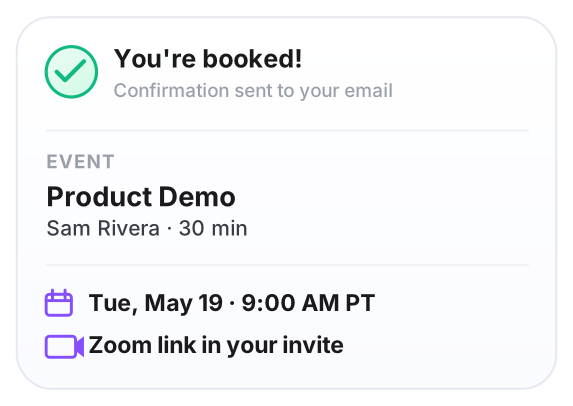
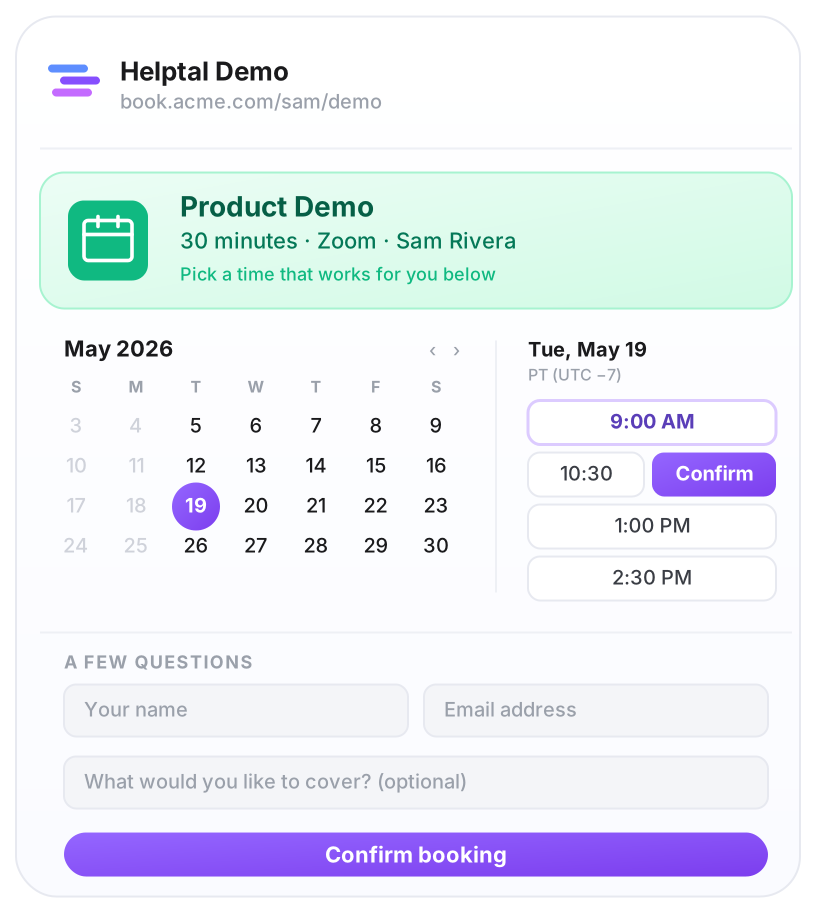
Helptal Calendar is appointment booking software with built-in customer support. Customers pick a time on your booking page, the meeting goes into your calendar, a Google Meet, Zoom or Teams link goes into their invite, and the whole conversation — booking, meeting, follow-up — lives next to their previous emails to your team.
Replaces Calendly + a separate intake form + the spreadsheet you copy-paste meeting notes into. One workspace, one bill.

Bundled free on every paid helpdesk plan · limited on Free
More than just a booking link
Most teams pay separately for Calendly, a follow-up email tool, and whatever they use to collect feedback after a meeting. Helptal does all three in one place — one bill, one login, one history per customer.
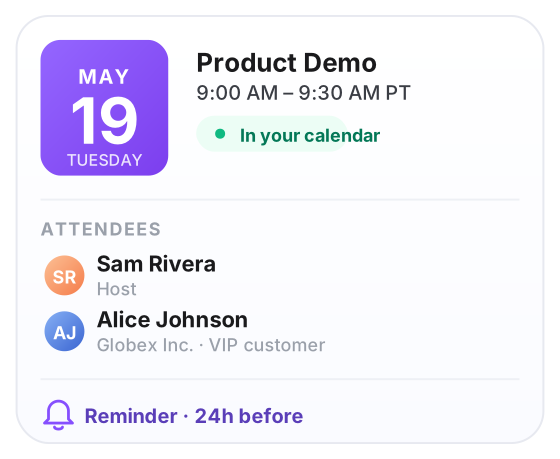
Yes. Connect your Google or Microsoft calendar once and Helptal reads everything that's on it — personal calendars, team calendars, shared ones. The moment a new meeting lands anywhere, that time disappears from your booking page. Confirmed bookings write back to whichever calendar you choose.
Yes — you choose which meeting types do this. Every booking can open a support thread with the customer's answers from the booking form already filled in, so the call starts on-topic and the follow-up has somewhere to live.
Connect Zoom once and every booking gets its own fresh Zoom link — no everyone-sharing-one-room. Google Meet and Microsoft Teams links are created automatically through your calendar. You can also use a phone number or a custom URL if you'd rather.
Yes. Every confirmation email has a Reschedule and Cancel link. Customers click, pick a new time, done — no email ping-pong with your team, and you see every change in the history.
No. Calendar is bundled free on every paid helpdesk plan (Starter, Growth, Business). The Free plan includes it too, capped at 50 bookings per month. If you only want the booking calendar without the help desk side, there's a Calendar-Only plan for $12 per user per month.

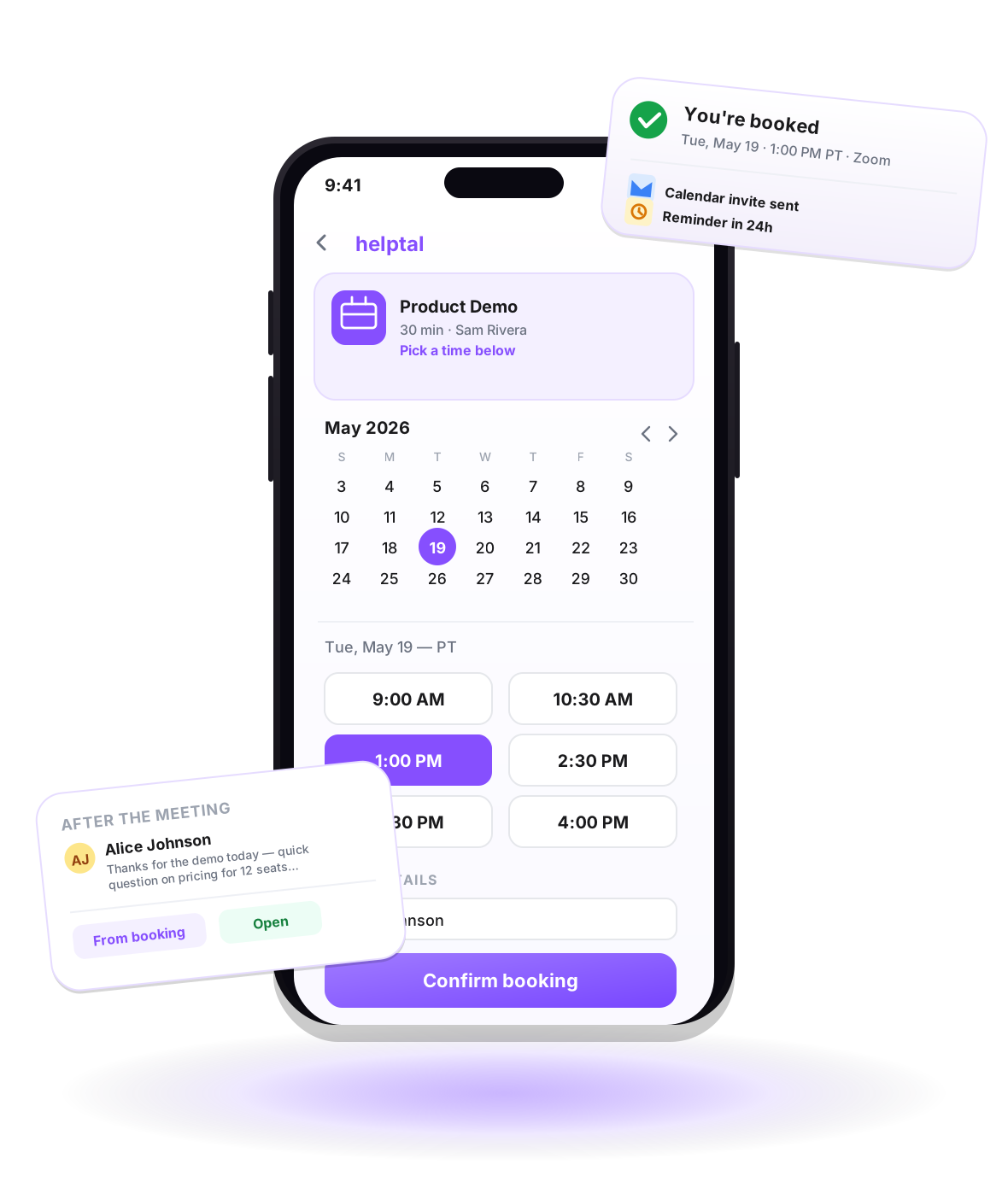
From a quick call to a group demo — same booking page
Helptal figures out who is free, lines up calendars, and creates the right meeting link. You just send a customer the link to your page.
One-on-one calls
Discovery calls, demos, check-ins. Set how long, what kind of call (video or phone), how much gap you want between meetings, and how many you'll take in a day.
Round-robin across your team
Pool of people, one booking page. Each booking goes to whoever's least busy. Each person's own working hours, time zone and calendar still apply.
Group calls where everyone has to be free
Sales + engineer joint demos, panel interviews, multi-stakeholder kick-offs. The customer only sees times when every person on your side is actually available.
Customers reschedule themselves
The confirmation email has Reschedule and Cancel buttons. Customers click, pick a new time, done. Your team isn't stuck in email ping-pong, and every change is in the history.
Send people to the right meeting type
A short questionnaire before the booking sorts people for you. Existing customers go to the success team, new prospects go to sales — automatically, no manual triage.

Plays nicely with the tools you already use
Pick the right kind of meeting per booking type — Google Meet, Zoom, Microsoft Teams, phone, or your own meeting link. When something else lands in your calendar, that time disappears from your booking page automatically.
- Bookings appear in your Google or Microsoft calendar automatically
- Reads your personal, team and shared calendars to avoid clashes
- You manage meetings from the calendar you already use
- Subscribe a read-only feed in Apple Calendar or Outlook to see bookings on the go
The full list, for anyone digging into the details
Everything Helptal Calendar does. Bundled free on every paid helpdesk plan (Starter, Growth, Business), or $12 per user per month standalone (no helpdesk). Free tier includes it too, capped at 50 bookings per month.
The booking page
- ·Lives on your own web address
- ·Your colours, logo and brand on every step
- ·Choose what info to ask for upfront
- ·Customer picks from a clean list of open times
- ·Different pages for different meeting types
- ·Hide it from search engines if you only want to share by link
Calendar and availability
- ·Two-way sync with Google Calendar and Microsoft 365
- ·Reads multiple calendars to avoid double-booking
- ·Set working hours per person, per day
- ·Buffer time between meetings (10 mins to grab coffee)
- ·Daily cap and rolling-window limits
- ·Auto-handles time zones, daylight savings, and holidays
Video and locations
- ·Google Meet, Zoom and Microsoft Teams built in
- ·Fresh link per booking — no shared rooms
- ·Phone numbers and custom URLs supported
- ·Pick the meeting type per booking type
- ·In-person locations with address and directions
Around the meeting
- ·Confirmation email goes out instantly
- ·Reminder emails the day before and an hour before
- ·Customers reschedule or cancel themselves from the email
- ·Auto-creates a support thread tied to the customer
- ·Follow-up emails after the meeting on a schedule
- ·One-click feedback (thumbs up or down) after every call
For larger teams
- ·Round-robin sends bookings to whoever is least busy
- ·Group meetings — everyone has to be free
- ·Send people to the right team with a quick questionnaire
- ·Each person manages their own working hours and time zone
- ·Each agent connects their own calendar — admins never see anyone else's events
Connects to other tools
- ·Push bookings, cancellations and reschedules to HubSpot or Salesforce — or webhook your own CRM
- ·Slack and Microsoft Teams notifications
- ·REST API with access tokens
- ·Outgoing webhooks for anything you've built yourself
- ·Read-only feed Apple Calendar or Outlook can subscribe to (so bookings show up on your phone)

Get a booking page up on your own domain today
Free on the Growth and Business plans. Or take the Calendar-Only plan at $12 per user per month if you only need the booking calendar.