


A ticketing system and shared inbox your team can actually keep up with
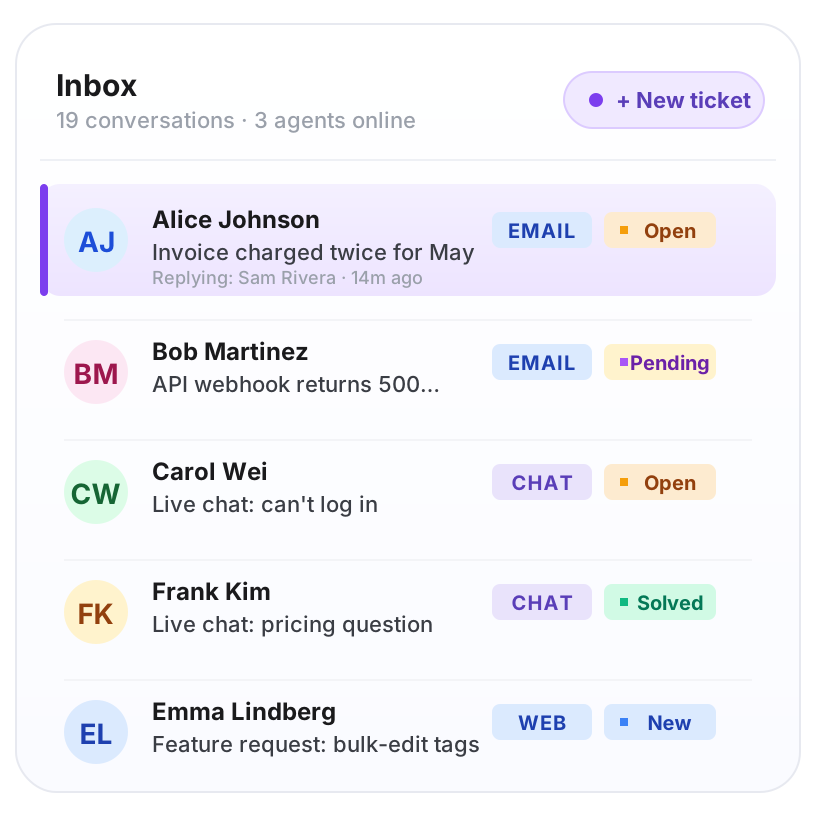
Helptal Support Tickets is a help desk ticketing system that turns every customer email, web form and chat message into one shared inbox. Your team can see who's replying, what's overdue, and what's been answered — without anyone stepping on each other or forgetting to respond.
Migrate from the tools your team already knows
The everyday things that save your team hours
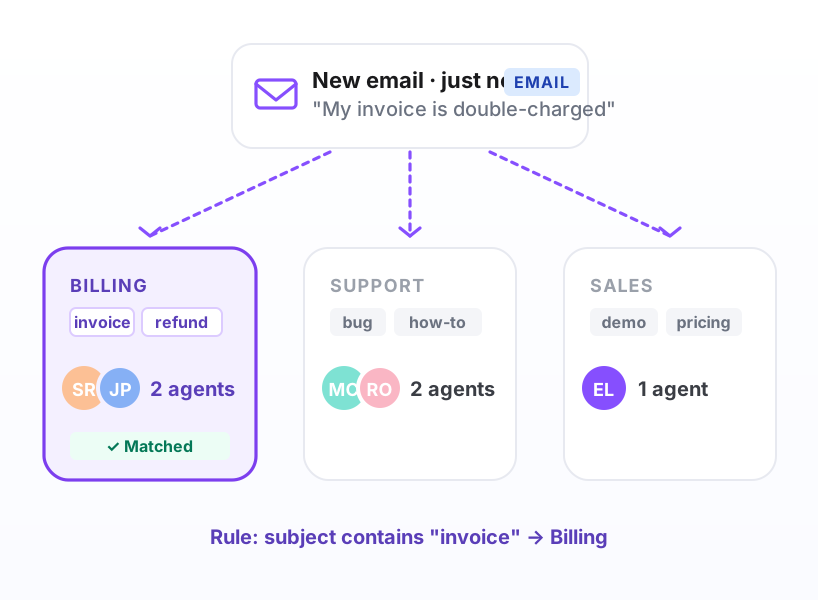
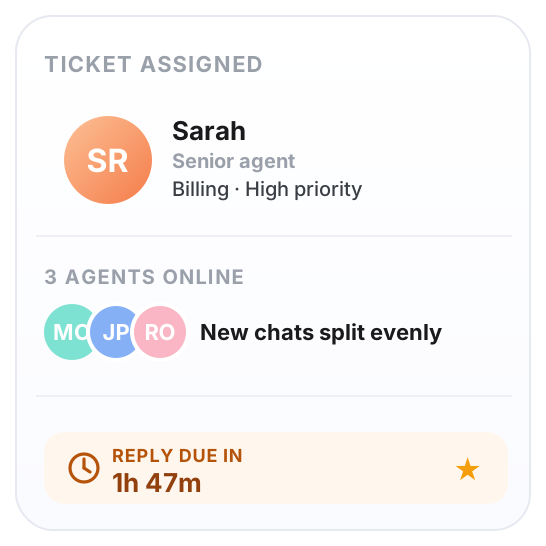
New emails go to the right person
Billing questions go to billing. Bug reports go to support. Set the rules once and stop forwarding emails around the team manually.
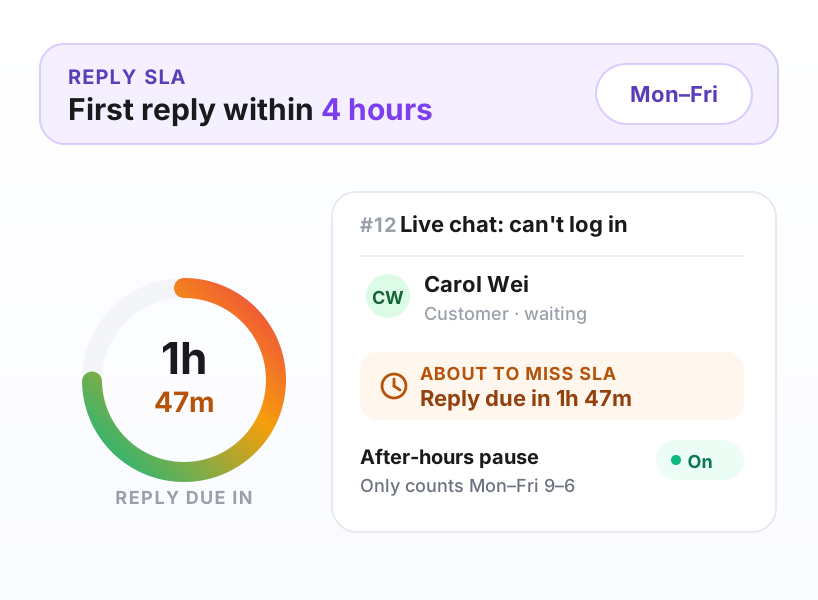
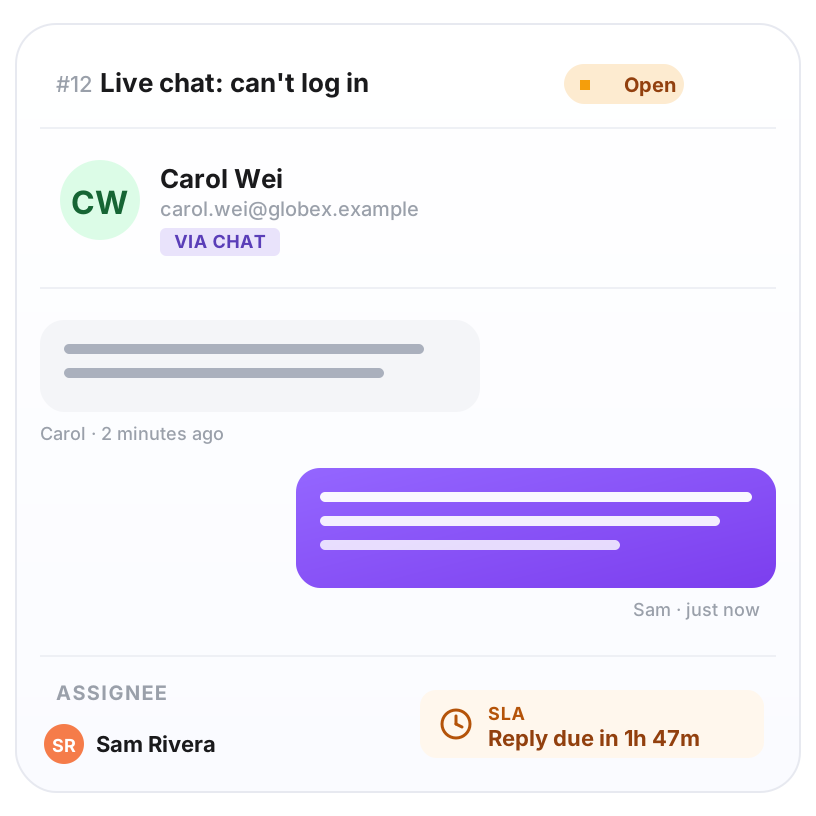
Nothing slips past your reply window
Pick how fast you want to reply (say, within 4 hours). Helptal flags anything that's about to miss the mark — and only counts hours your team is actually working.
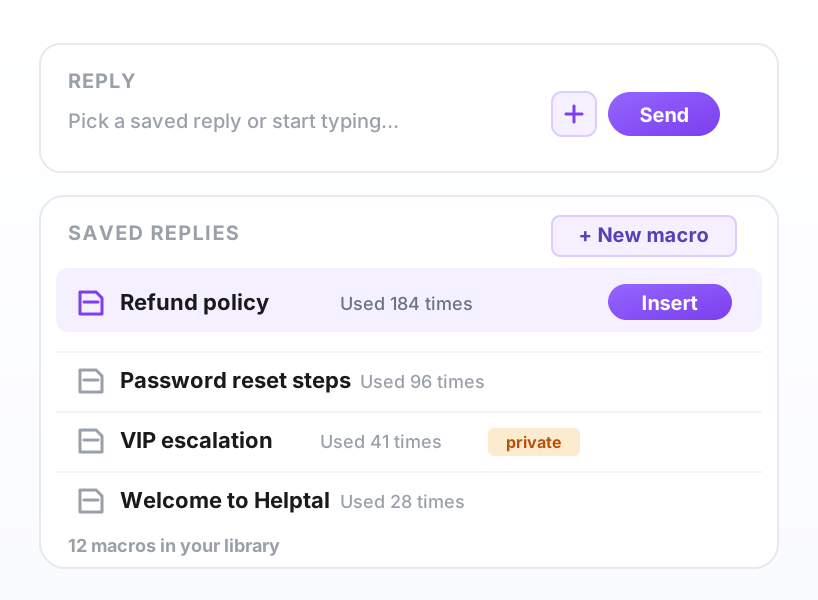
Answer common questions with one click
Build a library of pre-written replies your team can use in two clicks. Leave private notes only your team can see. Edit hundreds of tickets at once when you need to.
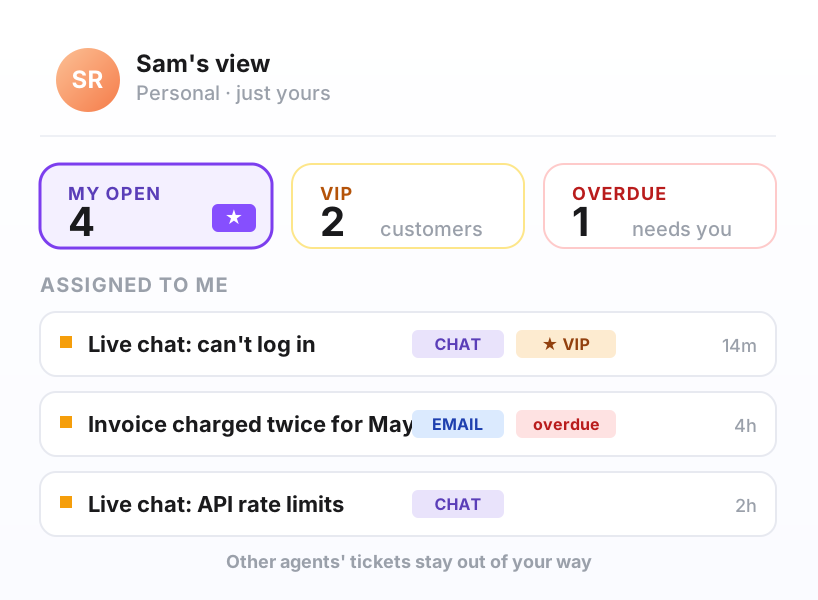
Everyone sees just what they own
Each agent gets their own focused list — their VIP customers, anything overdue, anything they're assigned. No scrolling through other people's tickets.
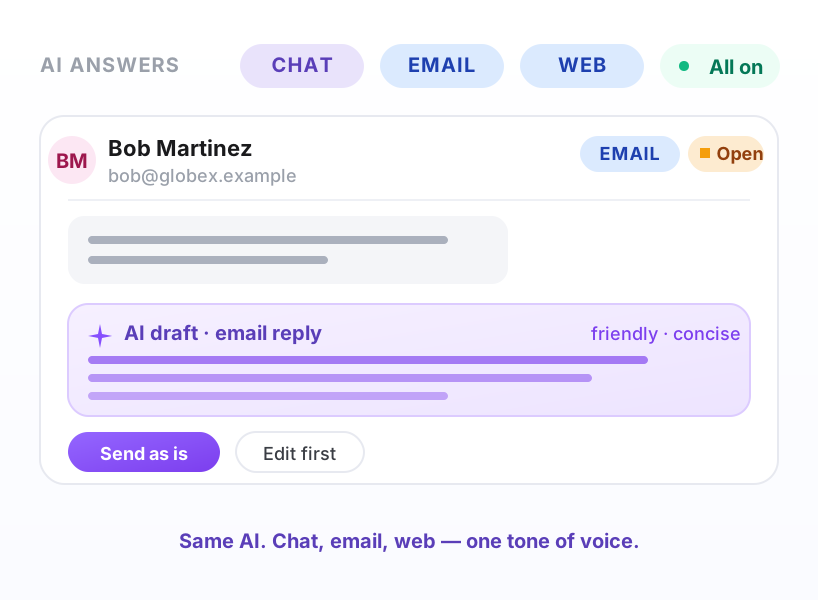
AI replies to emails too, not just chat
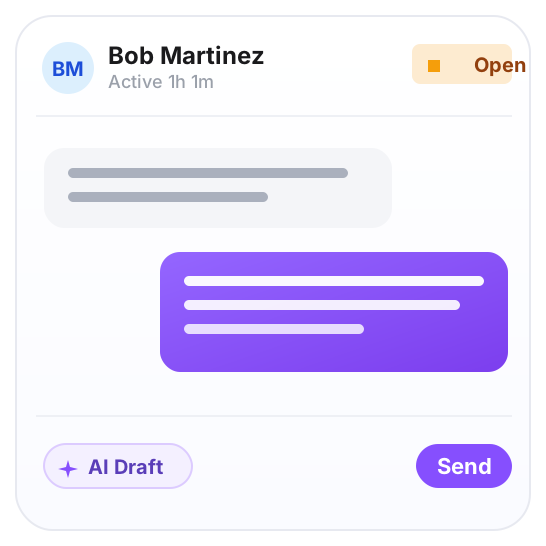
On the Business plan, the same AI that answers chat handles email and web form messages. It can reply on its own or just draft something for an agent to approve.
Whether you're 2 agents or 200
Email, web form and live chat all land in one shared list. What you know about a customer — their plan, what they bought, their previous questions — stays with them every time they get in touch. Your team picks up where the last conversation left off.
New tickets split evenly across the team
Email, web form and chat in one place
Ask for the info you need, not what we picked
See who did what, when something goes sideways




Customer forms that ask the right questions, the first time
Ask the questions you actually need answered
Add your own fields to the customer form — short answers, long answers, dropdowns, dates. No more chasing customers for the same info every time.
Different forms for different requests
Bug reports get a different form to billing questions. Each form goes to the right team automatically, with the right priority set from the start.
Dropdowns that show what each customer can pick
A customer logged in as Acme only sees Acme's order numbers, project list or accounts in the dropdown — pulled from your own system, no list to maintain by hand.
The full list, for anyone digging into the details
For the IT lead, the operations manager, or the founder who just wants to know what they're actually buying.
Channels
- ·Email-to-ticket from any address you own — replies go back to the exact address the customer wrote to
- ·Web contact forms (multiple, branching by topic)
- ·Live chat (Growth and Business plans)
- ·API ingestion for in-app reports
- ·Forwarded mail from a shared Gmail / Outlook
Workflow
- ·Status pipeline with custom labels and colors under each system category
- ·Four priority levels, customizable labels ("P0", "Urgent", whatever you call them)
- ·Tags, groups and assignment
- ·Round-robin or rule-based routing
- ·Mentions, followers and internal notes
- ·Merge, split, follow-up tickets
Productivity
- ·Saved replies (insertable in two clicks)
- ·Bulk re-tag, reassign and reply
- ·Per-agent saved views and filters
- ·Search across every ticket in your history
- ·Customer 360 — every past ticket on one screen
Reply-time targets
- ·First-reply and resolution targets per priority
- ·Business-hours calendars (with holidays)
- ·Pauses on hold, on customer reply, on weekends
- ·Breach alerts to Slack, Teams or email
- ·Reports on time-to-reply, time-to-close
Customer-facing branding
- ·Custom domain (help.yourcompany.com) with auto SSL
- ·Your logo, colours, fonts on every page
- ·Custom CSS for deep restyling
- ·Custom HTML for headers, footers, hero
- ·Emails sent from your own address with DKIM signing
Customer login
- ·One-click sign-in from your existing app (SSO)
- ·Magic-link login for users without an account
- ·Email-code (passwordless) login
- ·Customer can view, reply to and reopen tickets
- ·Per-brand login pages
Integrations
- ·One-click import from Zendesk, Help Scout or Intercom (users, organizations, tickets, tags, comment history and attachments — with email reply threading preserved)
- ·REST API with access tokens
- ·First-party HubSpot and Salesforce sync — push contacts, companies and ticket activity in real time
- ·Outgoing webhooks signed with HMAC (push to anything else)
- ·Slack and Microsoft Teams notifications
Security & administration
- ·OIDC single sign-on for agents
- ·Two-factor authentication
- ·Role-based permissions (admin, agent, restricted)
- ·Per-workspace data isolation at the database level
- ·Full audit log of every reply, assignment and setting
- ·GDPR data export and delete on request
Stop running support out of a shared Gmail
Start free, scale when you're ready. If you're already on Zendesk, Help Scout or Intercom, move everything across in one click — your customers won't notice anything except faster replies.